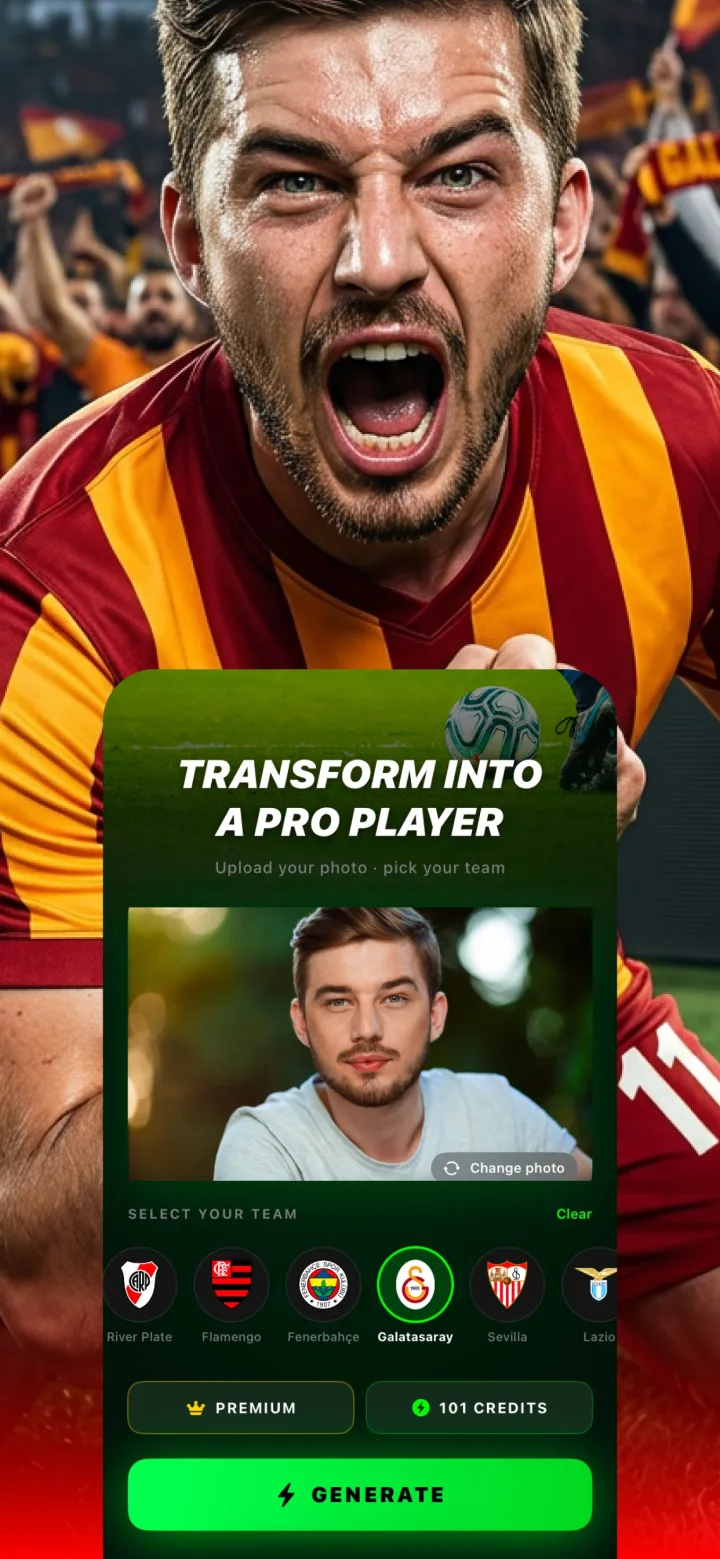
Getting your first transformation takes just a few taps — here's the exact real flow, start to finish.
1. Upload a photo
Tap the photo area on the home screen and either take a new selfie or choose an existing photo from your library — a clear, forward-facing, well-lit shot gives the best results.
2. Choose your club
Scroll through the club selector and tap the crest for the club you want — the roster spans the Premier League, La Liga, Serie A, Bundesliga, and clubs across South America and beyond.
3. Tap Generate
One credit is used per generation. The app shows a generating screen while the AI produces your result — stay in the app until it finishes rather than backgrounding it.
4. Save or share your result
Once generated, save the image to your camera roll or share it directly — every result is also saved automatically to your creation history for later.
Do I need to create an account to use the app?
No — the app works without requiring account sign-up, so you can start generating right away.